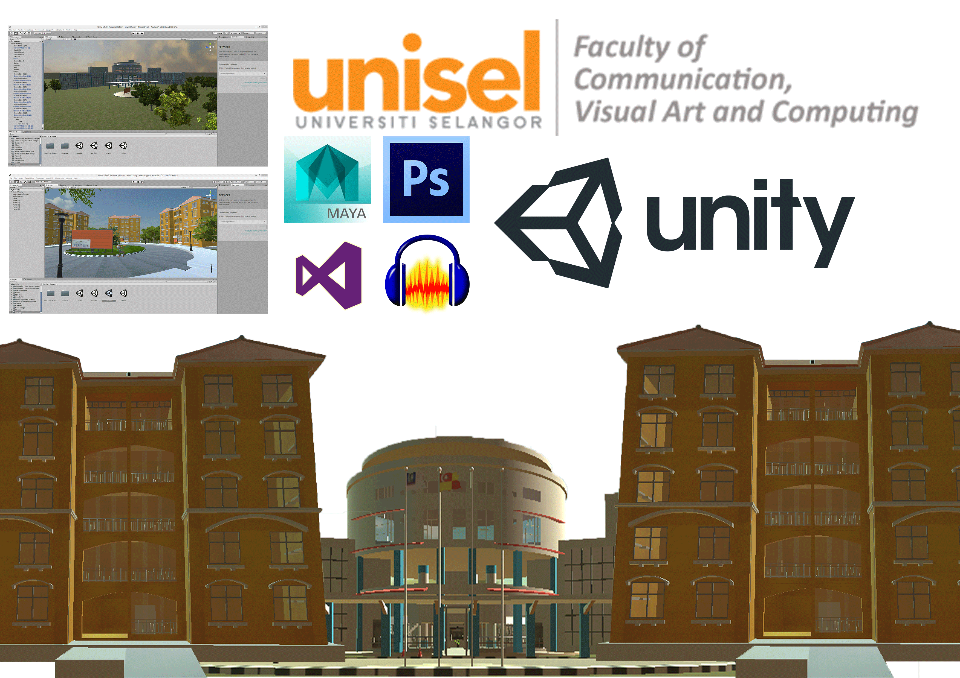
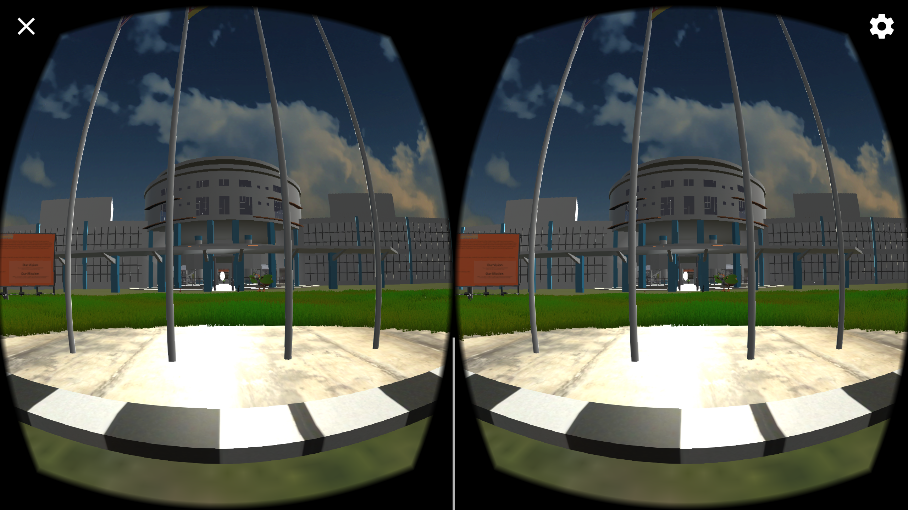
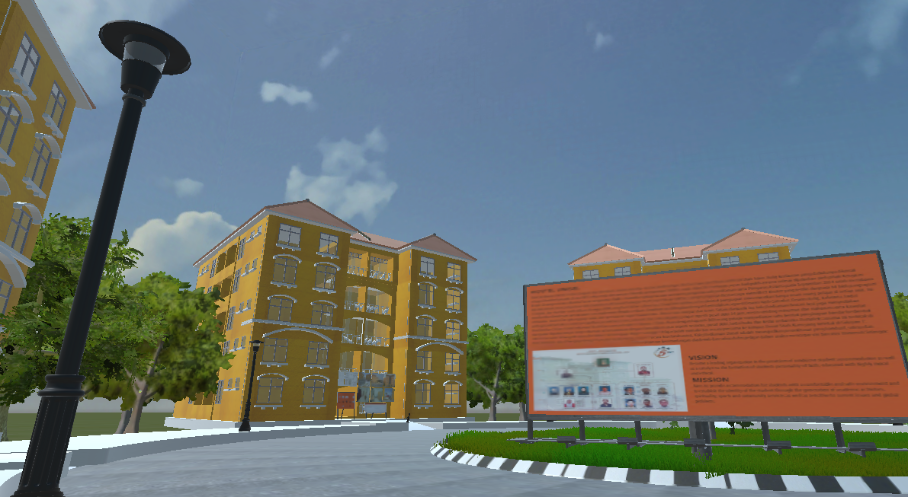
Exploring UNISEL Using Mascot in Virtual Reality are the title of this project that a user can experience the environment of UNISEL in virtual reality where the user also will get some information about UNISEL. The user will have the ability to use a virtual reality gadget such as Google VR Box to experience the application. The students have to install the application in their phone and the application are ready to use to explore the environment of UNISEL
Here you can find the steps of installation and also the usage of this application. there are two types of files will be found through the buttons below such as for the using VR BOX (.apk) andwithout VR BOX (.apk).
Note* :requirement needed is the latest version android system in the mobile device (4.0 Ice Cream Sandwich until 7.0Nougat) and your phone must have minimum of 2GB RAM and the mobile device should be usingQualcomm SnapDragon / Exynosprocessor.
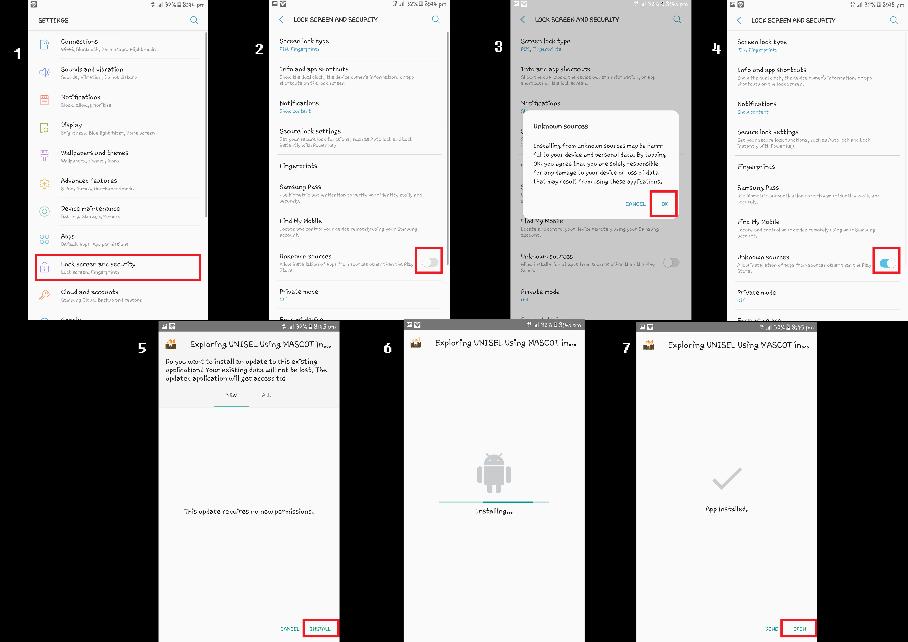
(.apk) Installation Instruction
1. Tap the gear icon on your home screen or app drawer to open the Settings menu.tap “Security.” There’s a checkbox next to “Unknown Sources” in the Security menu.
2. Enable “Unknown Sources.” Tap it to enable “Unknown Sources.” This means that you can now install apps not from Google Play.
3. Press "OK" button to enable the "Unknown Sources".
4. You can see the "Unknown Sources" are enable.
5. Tap the “Install” button on the bottom of the screen to install the application. This will take about a minute, depending on the size of the application file.
6. If the screen show as the figure 6 its means the applicaton is successfully installed
7. Press the "OPEN" button to start the application.